
CRM Tools: Why Every Business Needs Them
Why Every Business Needs CRM Tools
A customer calls with a question. A potential client fills out a form. Someone on your team promises to follow up—but the note is buried in an inbox or written on a sticky note. When customer information is scattered, it’s easy for important conversations to slip through the cracks.
That’s where CRM tools can help. CRM stands for customer relationship management. A CRM system gives a business one organized place to keep track of customer and prospect details, conversations, and next steps.
Keep important information in one place
Many businesses store customer details in several places: email, spreadsheets, paper files, and employees’ notes. A CRM can bring those records together so team members can find useful context, such as past conversations, service requests, or sales opportunities.
If a customer calls while their usual contact is away, another team member may be able to review the history and help without asking the customer to repeat everything.
Make follow-up more reliable
Good follow-up helps customers feel remembered and supported. CRM tools can help teams track open questions, upcoming appointments, sales leads, and reminders. Employees can see what needs attention and who is responsible for the next step instead of relying on memory.
A CRM won’t build relationships by itself. People still need to respond thoughtfully and keep their promises. The tool makes it easier to stay organized and act on those commitments.
Give your team a clearer view
When customer information is accessible to the people who need it, handoffs between sales, service, and marketing can go more smoothly. Team members can understand what has already happened and avoid sending duplicate messages or missing important details. CRM systems are designed to help businesses manage customer interactions across these functions.
Over time, organized records may also help a business spot patterns, such as which services customers ask about most or where prospective customers commonly pause before making a decision.
CRM tools to consider by industry
Some businesses need a general CRM for sales and customer communication. Others benefit from software that also handles industry tasks such as repair orders, reservations, freight operations, or recurring service visits. Here are some of our favorite CRM options to explore in each industry:
| Industry | CRM tool | Description |
|---|---|---|
| Automotive repair | ||
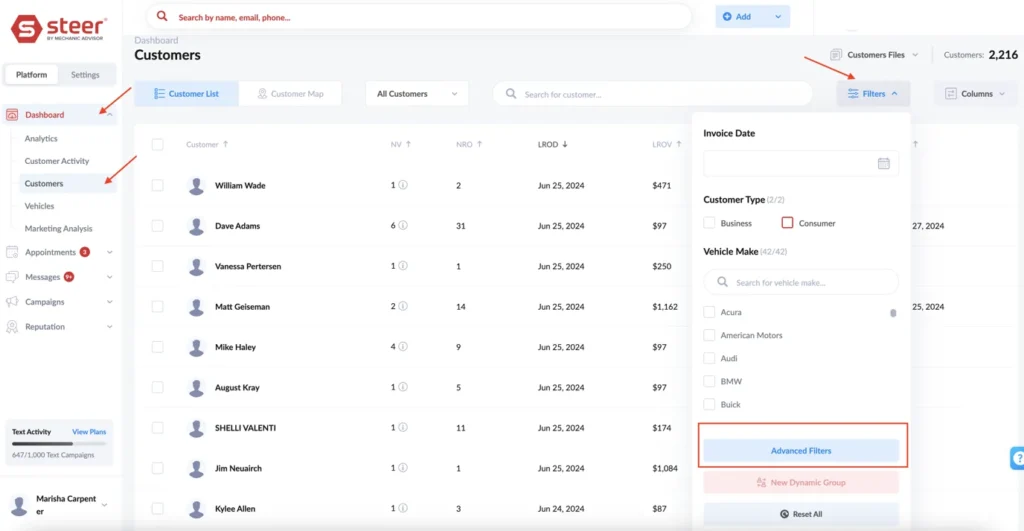
| Supports shop booking, customer communication, service reminders, and marketing. | ||
| Combines customer management and communication with repair shop workflows. | ||
| Connects customer records and communication with shop management tools. | ||
| Retail & sales | ||
| Offers customer profile tools for businesses using its ecommerce or POS system. | ||
| Supports retail customer relationship management and sales tracking. | ||
| Helps larger retailers coordinate customer data across sales channels. | ||
| Consulting | ||
| Helps consultants track leads, sales conversations, and opportunities in a pipeline. | ||
| Connects sales, marketing, and customer support information. | ||
| Helps independent consultants manage inquiries, proposals, contracts, and payments. | ||
| Marketing | ||
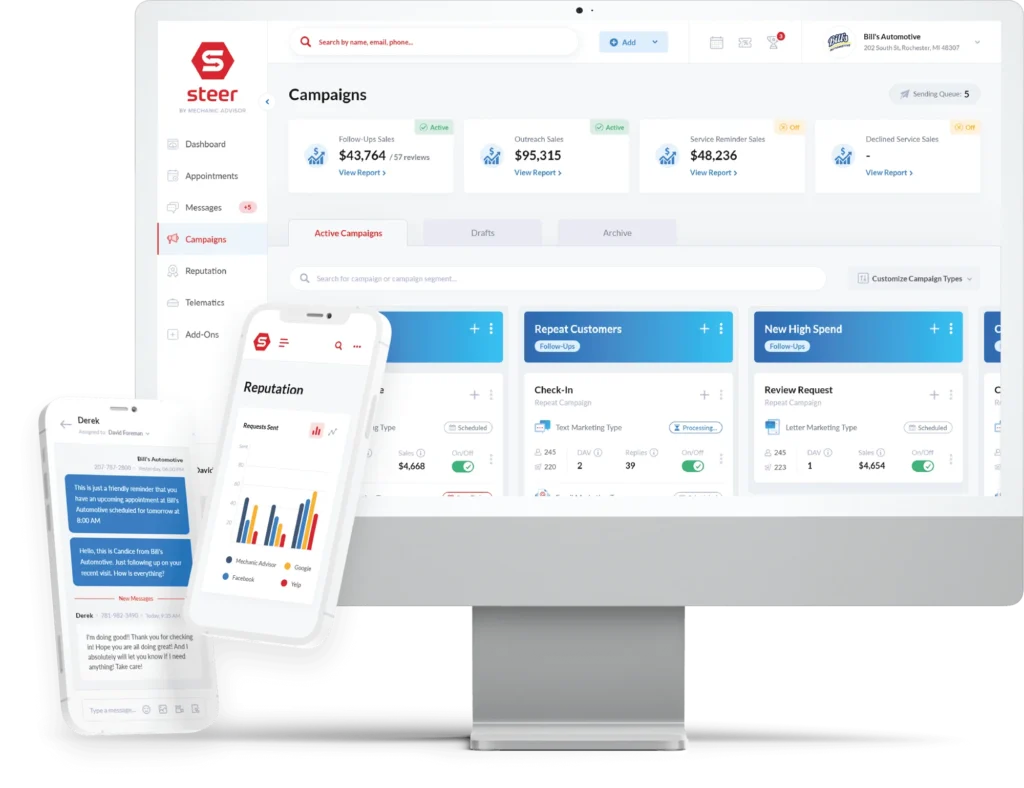
| Combines CRM features with marketing tools for managing campaigns and customer interactions. | ||
| Built for agencies and consultancies that also need project and financial management. | ||
| Helps marketing teams organize prospective clients and sales opportunities. | ||
| Restaurants | ||
| Connects guest profiles with Toast’s restaurant system. | ||
| Focuses on guest relationships, guest data, and targeted marketing. | ||
| Connects marketing and loyalty features with its POS system. | ||
| Transportation | ||
| Supports customer and shipper management alongside freight operations. | ||
| Provides freight operations software with tools for managing customer relationships. | ||
| Supports customer and shipper management for trucking, freight brokers, and 3PLs. | ||
| General services & HVAC | ||
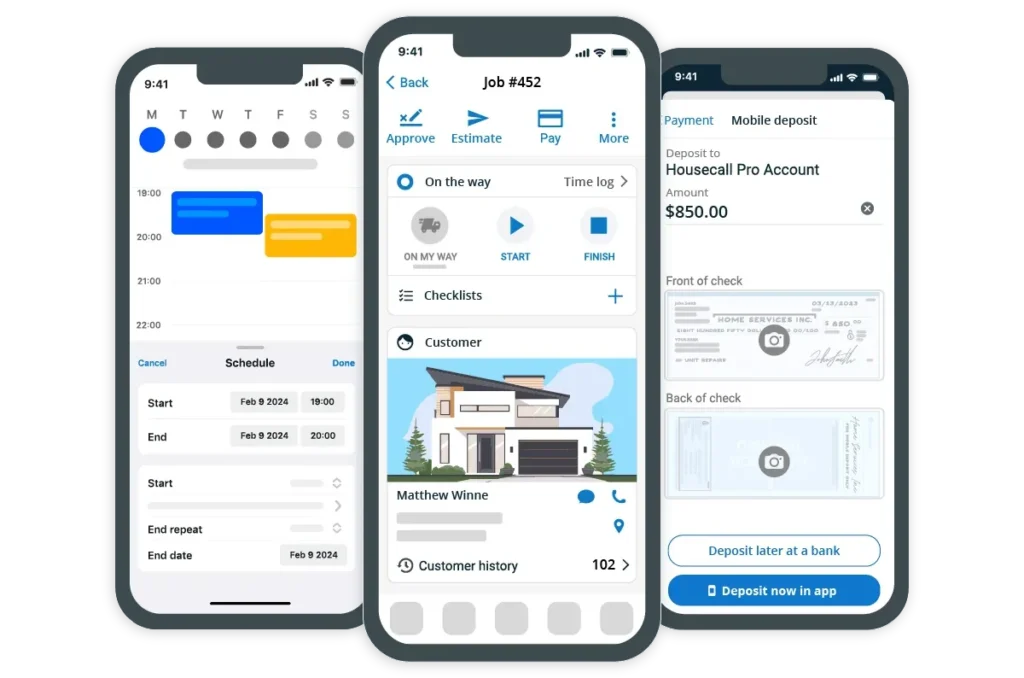
| Pairs customer records with scheduling, estimates, invoicing, and other field-service workflows. | ||
| Combines customer management with field-service scheduling and recurring service plans. | ||
| Offers a broader platform for trades, including HVAC maintenance agreements and service reminders. | ||
| Supports service agreements and reminders, helping HVAC businesses follow up about annual maintenance. | ||
Choose a CRM your team will use
Before choosing, list the information your team needs to track and the tasks that are easiest to overlook. Then compare options with your existing POS, scheduling, accounting, and communication tools. The best fit depends on what information needs to connect and which follow-up tasks you want to automate.
A complicated CRM that no one updates won’t help much. Start with the system that fits your team’s day-to-day work, then make sure employees know how to keep customer records current.
With the right CRM tools and a consistent process, your team can spend less time searching for information and more time taking care of customers.
Ready to strengthen your business’s marketing and customer communication? Contact Marketing Plus to talk about practical ways to support your goals.